
Benefits
Unified Control
Control lights and audio from one place—scenes, cues, and music in a single console.
Manage every layer of live production from one center: lighting, audio, DMX, stage flows, music, and show notes. From fixture patching to cue design, run the entire show on a single platform. Easy to learn and quick to run, Relackout powers clubs, bars, concerts, venues, theatres, and live productions.
Lights, audio, DMX and show notes in one console. Easy to learn, quick to run.

Control lights and audio from one place—scenes, cues, and music in a single console.
Built for live playback and ultra-fast reaction times when every second counts.
A touch-first UI you can pick up in minutes—run your first show fast, yet deep enough for complex live productions when you need it.
Patch the rig, build the looks, lay cues on the music, then run the night from one laptop or from your phone. These are the app's real screens.

Pick fixtures from the library, give them DMX addresses and send the signal out over Art-Net, sACN or USB DMX.
Categories, OFL import from folder, and custom fixture profiles.
Art-Net, sACN or USB DMX output. Up to 4 universes of 512 channels each.
Tuya Wi-Fi bulbs and strips can join the rig next to your DMX fixtures.

Build looks by hand or with the Effect Wizard, then save each one as a scene with its own fade.
Record scene snapshots from Live, edit channel values and fade times.
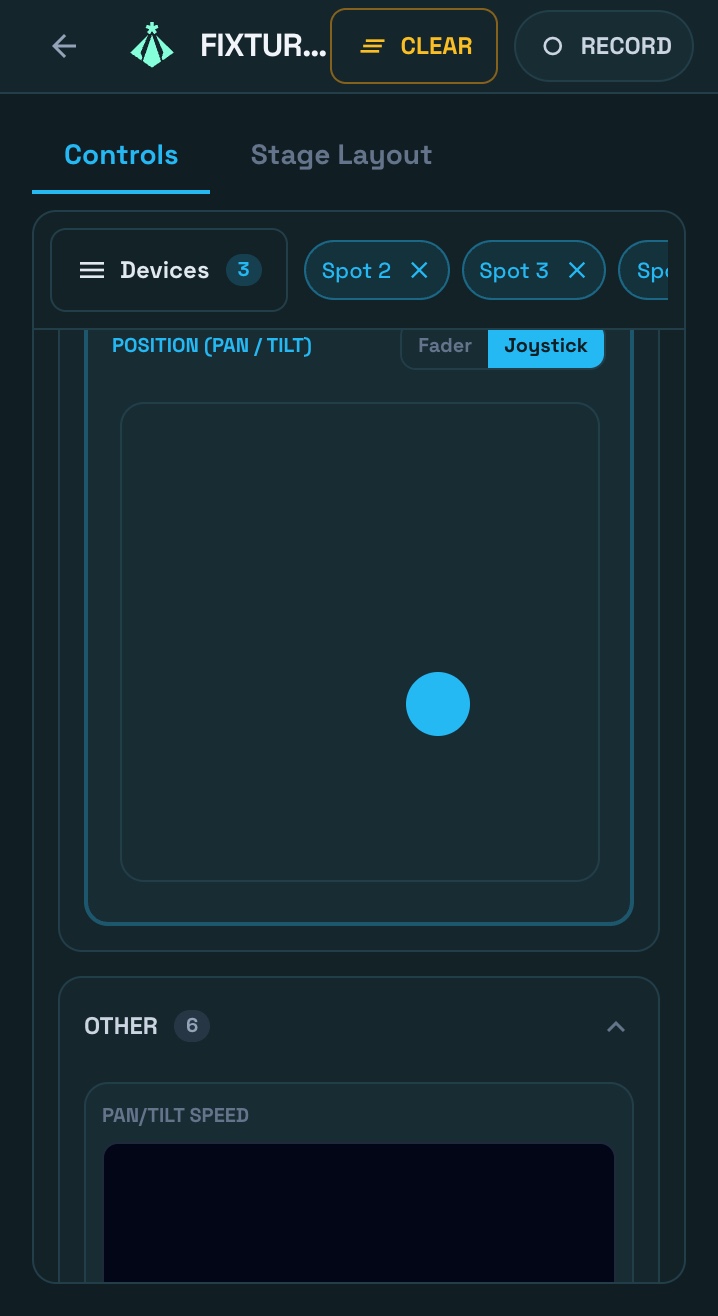
Select multiple patched devices and control them—pan/tilt, RGB, intensity, and more from one screen.
Layered moving-light effects: movement, intensity and color patterns with phase, symmetry and palettes.

Stack scenes into cues and run them with GO and Back. Faders, scene buttons and show notes share one layout.
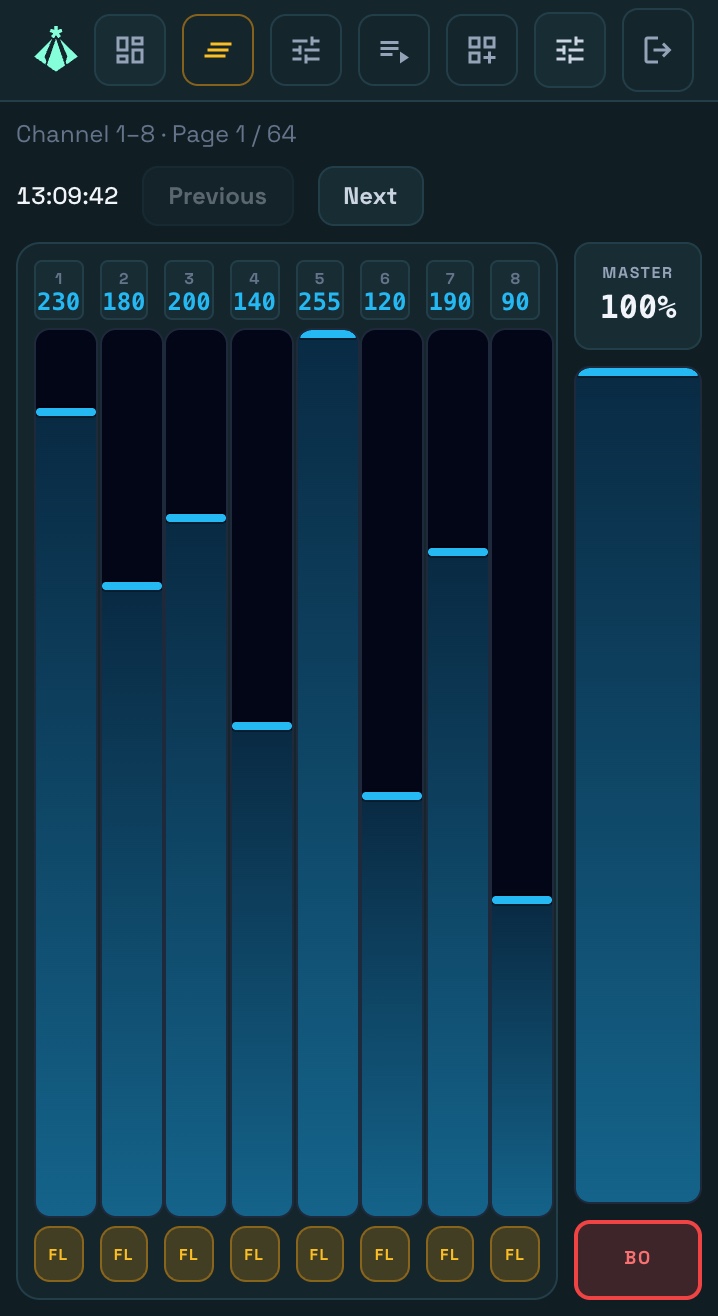
Direct playback, intensity override, scene and cue triggers. Touch-optimized.
Step-by-step sequences and cue lists. GO/Back, loop, configurable fade per step.
Multi-page rich-text notes in a mixer widget, to page through during the show.

Lay cues on the waveform of the track. When the song plays, the lights follow.
MP3/WAV tracks and playlists. Master volume and playback control.
Audio and cue events on one multi-track timeline, with snap editing and page-independent playback.

Let bass, mids and treble drive dimmer, color and strobe, or lock your effects to the BPM.
App music or mic/line-in drives group dimmer, color and strobe, and can fire scenes and cues.
Lock effects to the beat with tap-tempo, quantize, live BPM tracking, and MIDI Clock.

See what your DMX output does to the stage before the doors open.
Hardware-accelerated 3D stage view rendering your actual DMX output live, in its own window.

Walk away from the laptop: run the show from your phone, or from MIDI and OSC controllers.
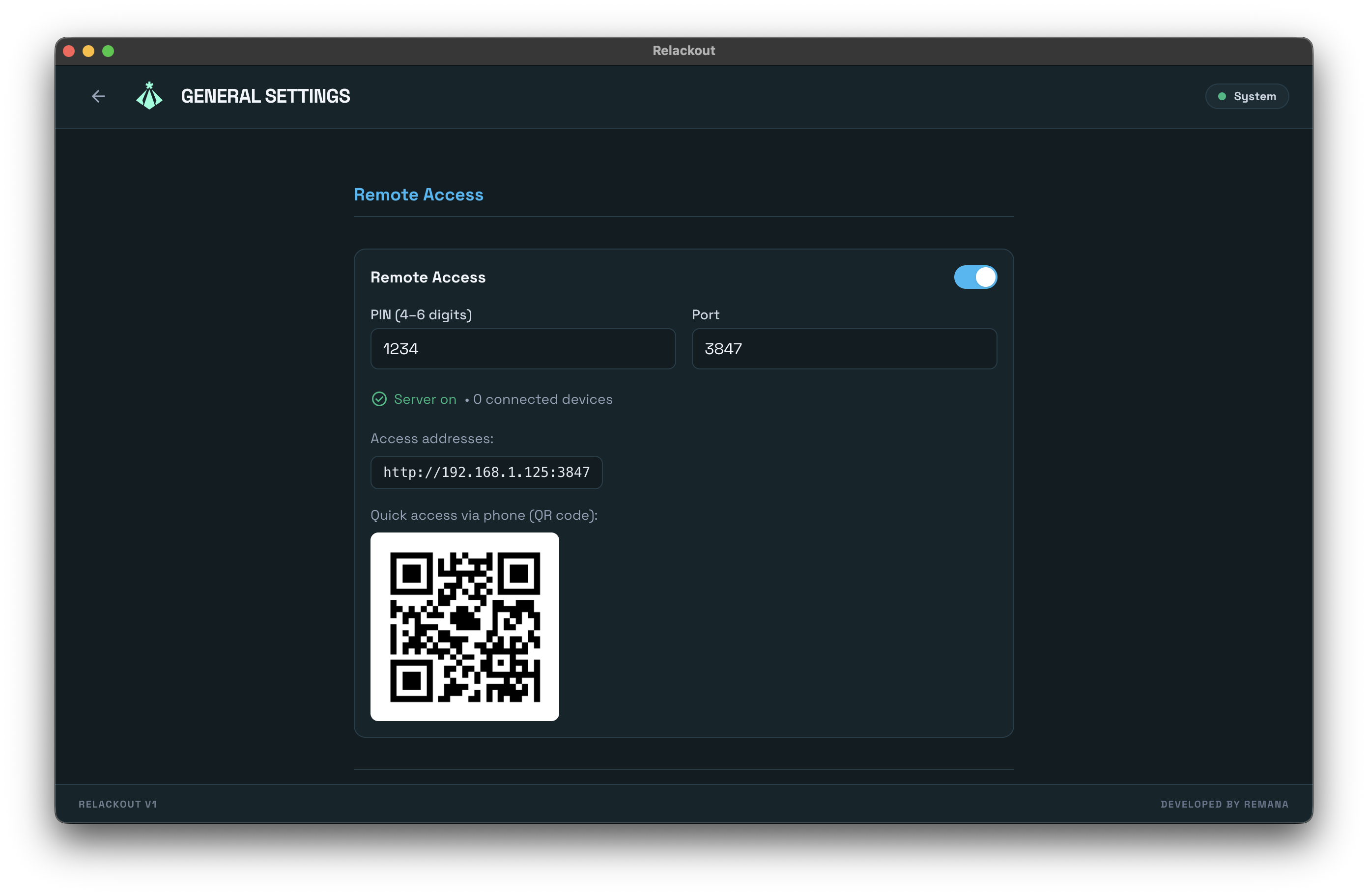
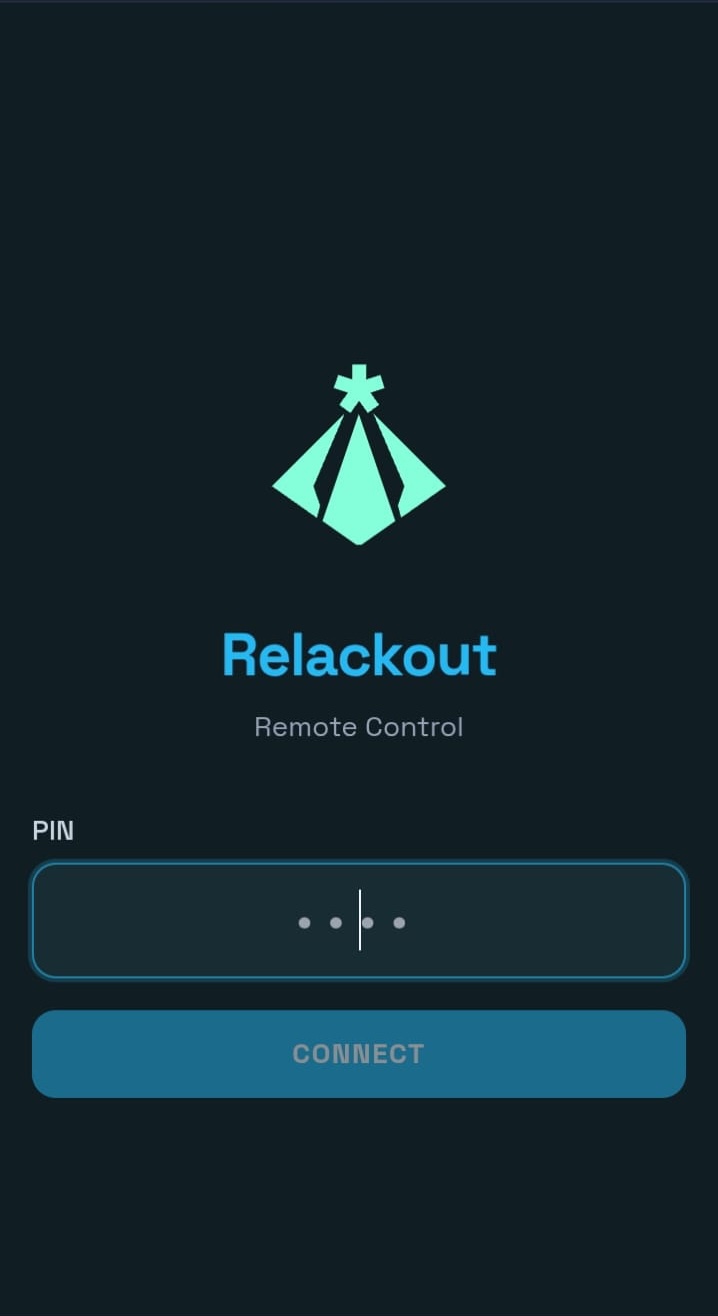
Open the remote in your phone's browser: scan the QR code, enter the PIN. No app to install.
MIDI and OSC input with two-way MIDI feedback. Bind faders, scenes and buttons to hardware with learn.
Four short guides, each with a video. Start from zero and finish with your first scene, recalled live from a single button.


Add fixtures from the library to your universes. Map DMX start addresses (1–4 universes, 512 channels each).
Record scene snapshots from Live Control. Build step loops and cue lists with fade and duration.
Add MP3/WAV tracks and playlists. Use music players in the Mixer Designer or from the library.
Live Control for direct playback. Use the Mixer Designer for custom layouts with faders, buttons, cues, and Notes widgets linked to your documents.
Leave the desk and walk the room. Our mobile remote works instantly over your local network. Simply scan the QR code on the main console, enter your PIN, and get full access to your faders and scenes with zero lag.
Latency
Multiple Clients
Sign-in
Mobile screens
Join multiple operators who have simplified their production with Relackout.
Request Demo


