How does mobile remote connection work?
Open the mobile app on the same local network, enter PIN or scan QR, and control faders, scenes, and cues instantly.
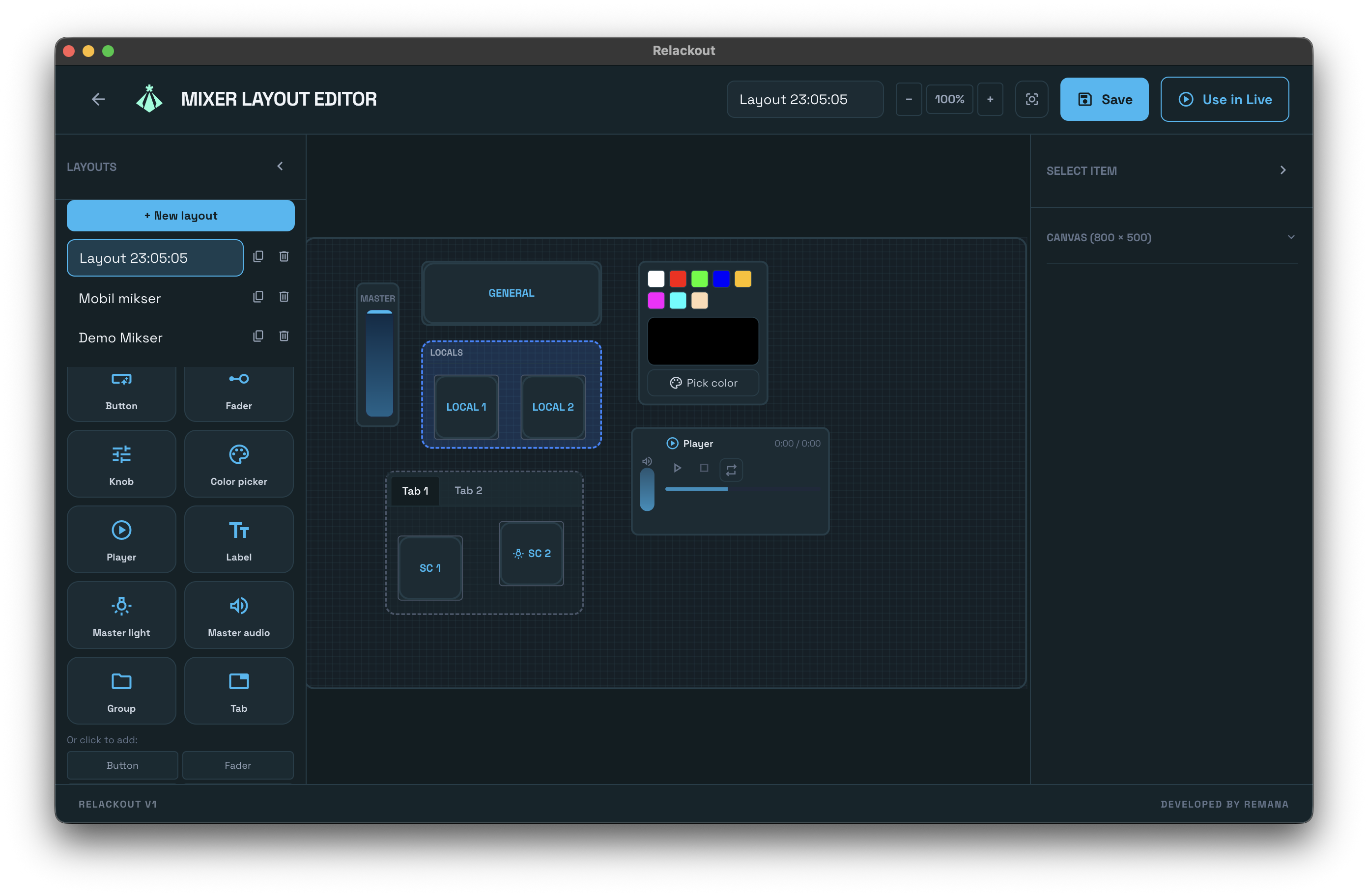
No fixed fader strips or one-size-fits-all desks. With Relackout you build the control surface you need: your layout, your faders, your scenes, cues, and on-screen show notes—then run it from the desk or from your phone.
Drag and drop faders, buttons, knobs, color pickers, scene and cue triggers, music players, and Notes widgets onto a pixel canvas. Bind each Notes widget to a multi-page document you maintain in the app. Save as many layouts as you need—and design them from the web remote on a tablet if you prefer. In Live Control, switch to “Layout mode” and run the show from your custom surface—touch-friendly, no analog limits.
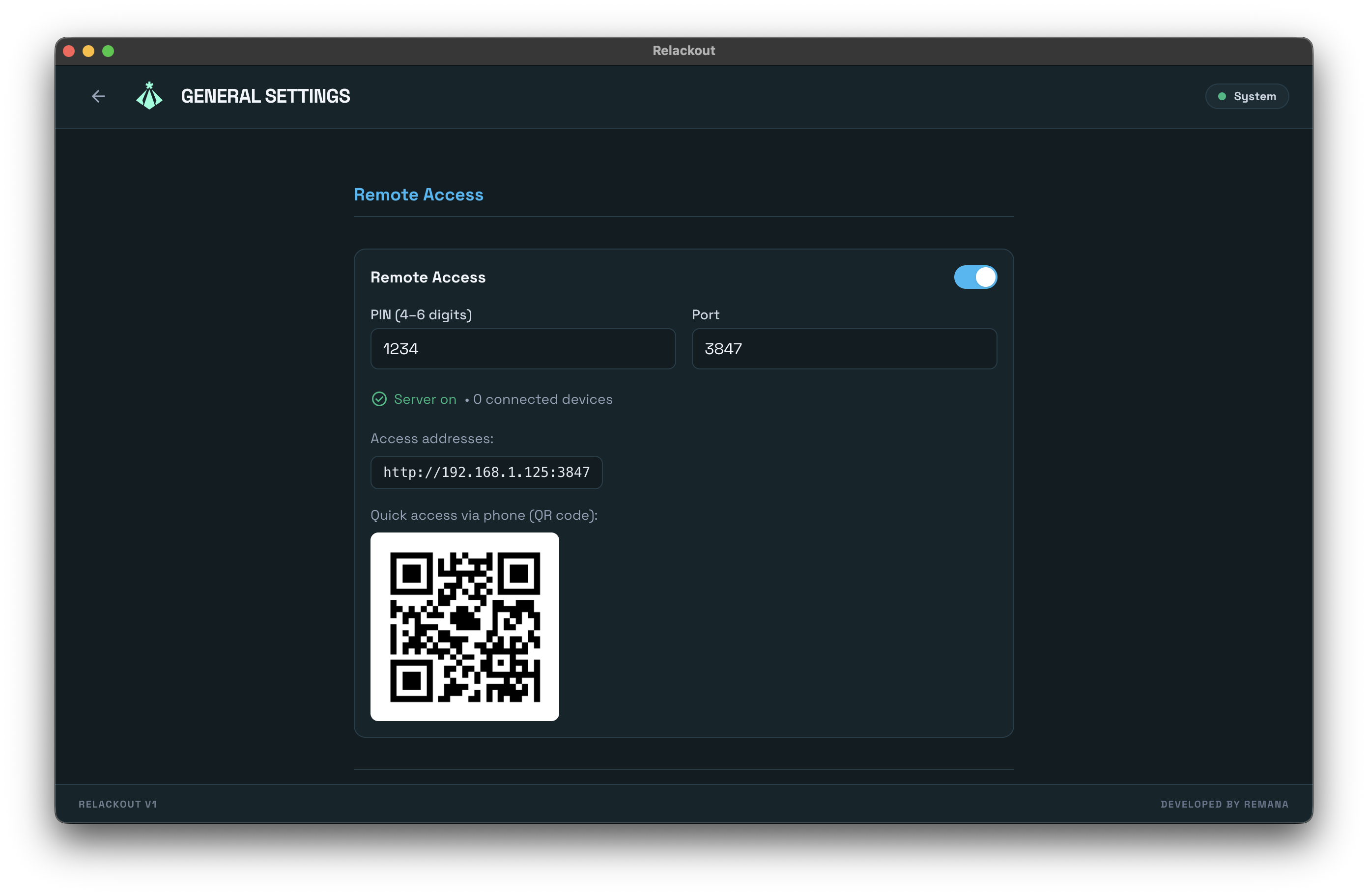
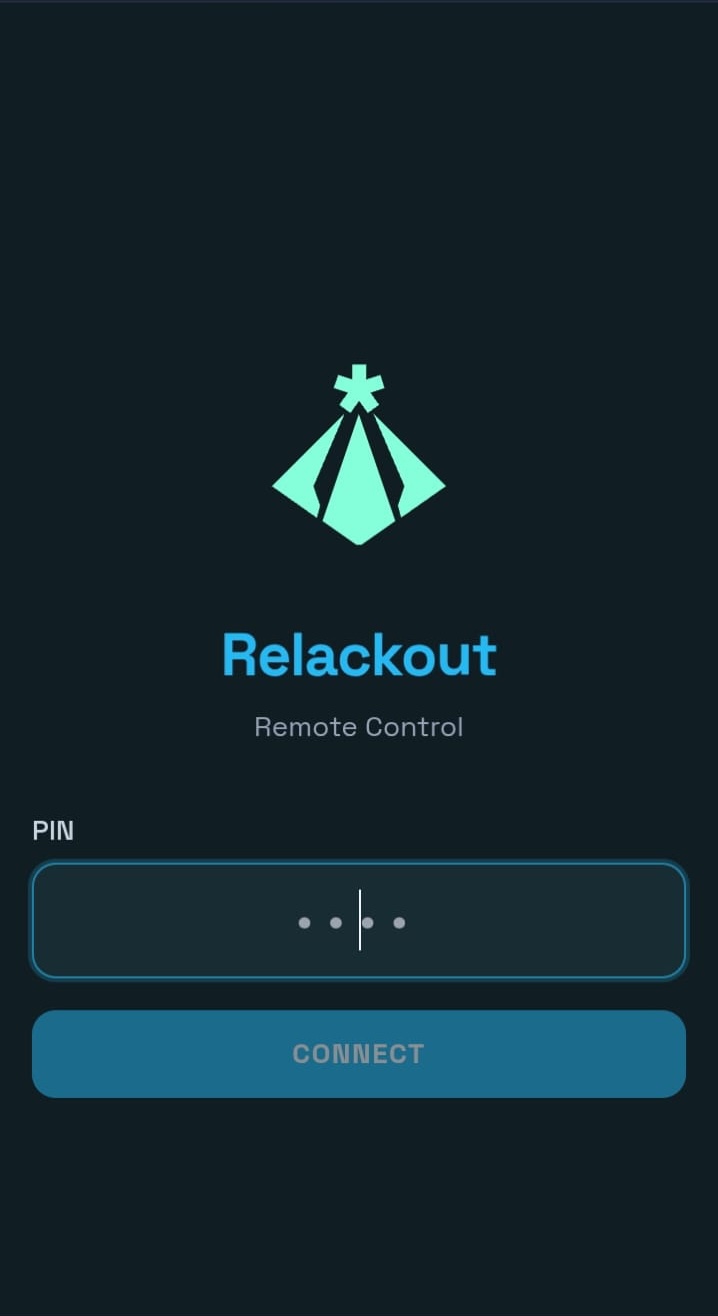
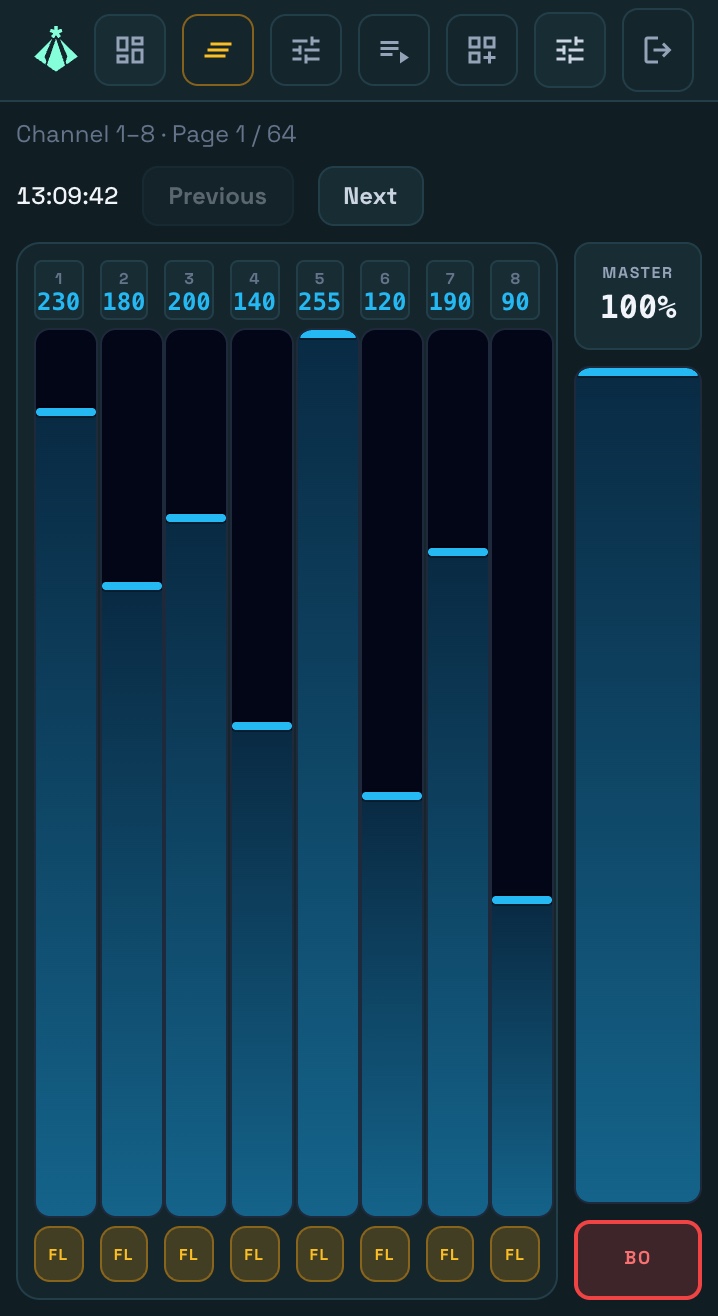
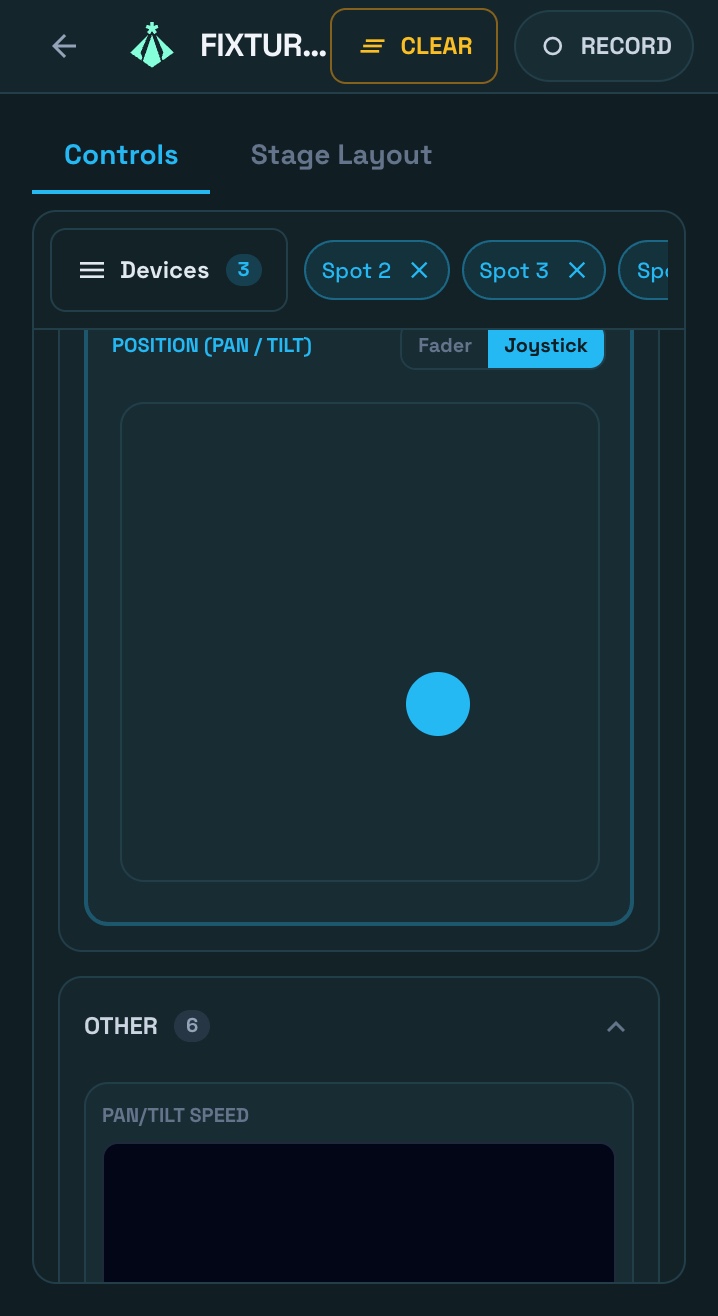
The main console runs a server on your local network. Open the Relackout remote app on your phone or tablet, enter the PIN (or scan the QR code), and you get real control: faders, scenes, cues, and Fixture Control. Drive the show from the touch-first cue transport—GO, Back, and step position at your thumb—and edit scene values from a tablet with the Remote Scene Designer. Fixture Control is redesigned for touch—type tabs, a shared attribute panel, and large pan/tilt joysticks. Walk the room; multiple clients can connect and each manages its own layout—no need to stay at the desk.
Open the mobile app on the same local network, enter PIN or scan QR, and control faders, scenes, and cues instantly.
Yes. Multiple clients can connect over the local network for collaborative show operation.
Relackout unifies lighting and simple audio in one app. Patch your fixtures, build scenes and cue stacks, add music, and keep show notes beside your controls—then run everything from your custom mixer layout or from the mobile remote. No separate analog mixer to learn; you design the workflow that fits your show.
TRY NOW