
Learn Relackout
Step-by-step guides with screenshots and videos, from your first scene to a full show.
No guides found.
Start here
- What is Relackout? A one-screen tour of Relackout: what it does, who it's for, its main screens, and the trial and license options.
- Install and start your free trial Download Relackout, install it, create an account, start your 14-day trial, and activate your license on this computer.
- Your first scene in 5 steps Patch your first fixture, save a Scene and recall it live from a panel button — five guided steps, no hardware required.
- A tour of the interface Meet Relackout's home screen, notification bell, bottom bar and Settings, and learn how the Back arrow gets you around.
All topics
Getting started Install Relackout, start your free trial and build your first scene. 4 guides Core concepts DMX, universes, channels, addresses and fixture modes explained. 3 guides Fixtures and patch Fixture library, OFL import, patching, address map and groups. 3 guides Output and hardware Send DMX over Art-Net, sACN or USB-DMX and set up your connections. 3 guides Scenes and live control Save looks, build cue lists, add effects and run the show live. 4 guides Music and light Music library, sound-to-light, BPM sync, show timeline and 3D preview. 5 guides Control surfaces Custom panels, phone remote, MIDI mapping and OSC. 4 guides Venues and projects Workspaces, copying between them, backups, show notes and Kalfa packages. 5 guides Scenarios Complete setups for a full night, a theatre show and everyday bar use. 3 guides Troubleshooting and FAQ Fix lag, missing outputs and license problems. 3 guides Switching to Relackout Move your shows from other lighting software. 1 guide Account and license Plans and limits, device activation and billing. 3 guides
 Scenes and fades
  DMX output: Art-Net, sACN and USB DMX
 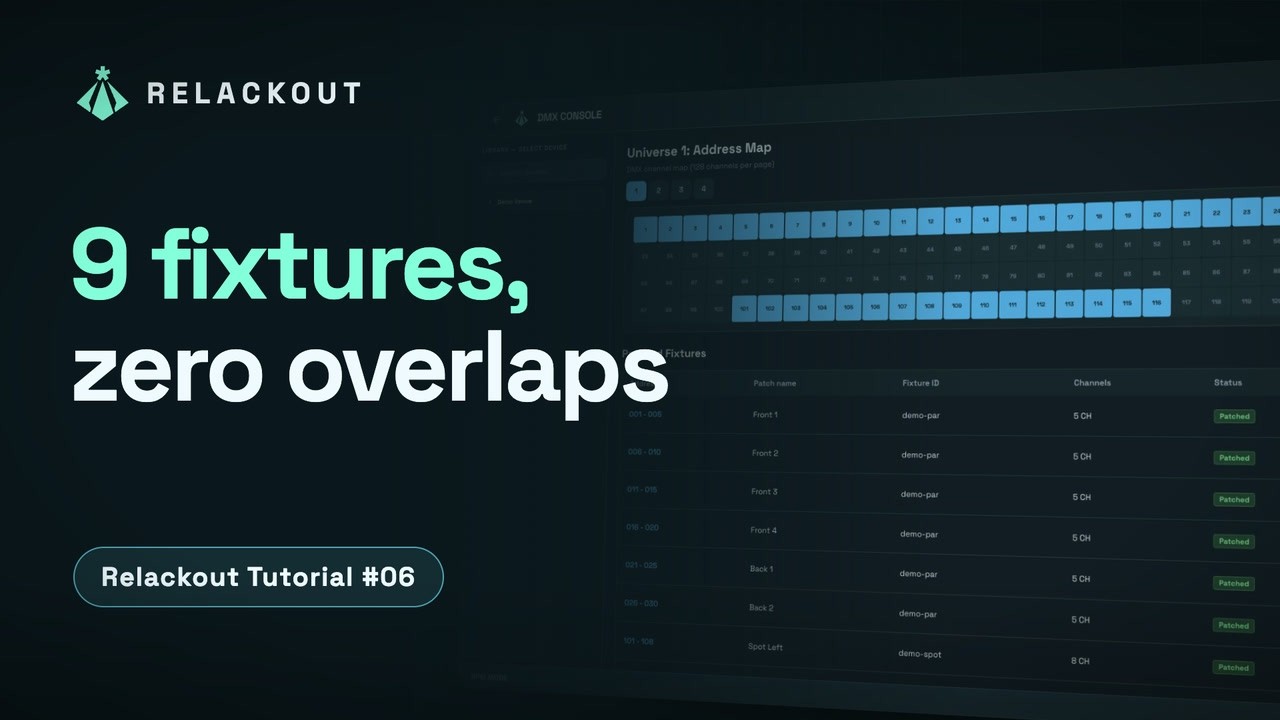 Patching and the address map
  Fixture library and OFL import